Digital rain, falling down your Mac
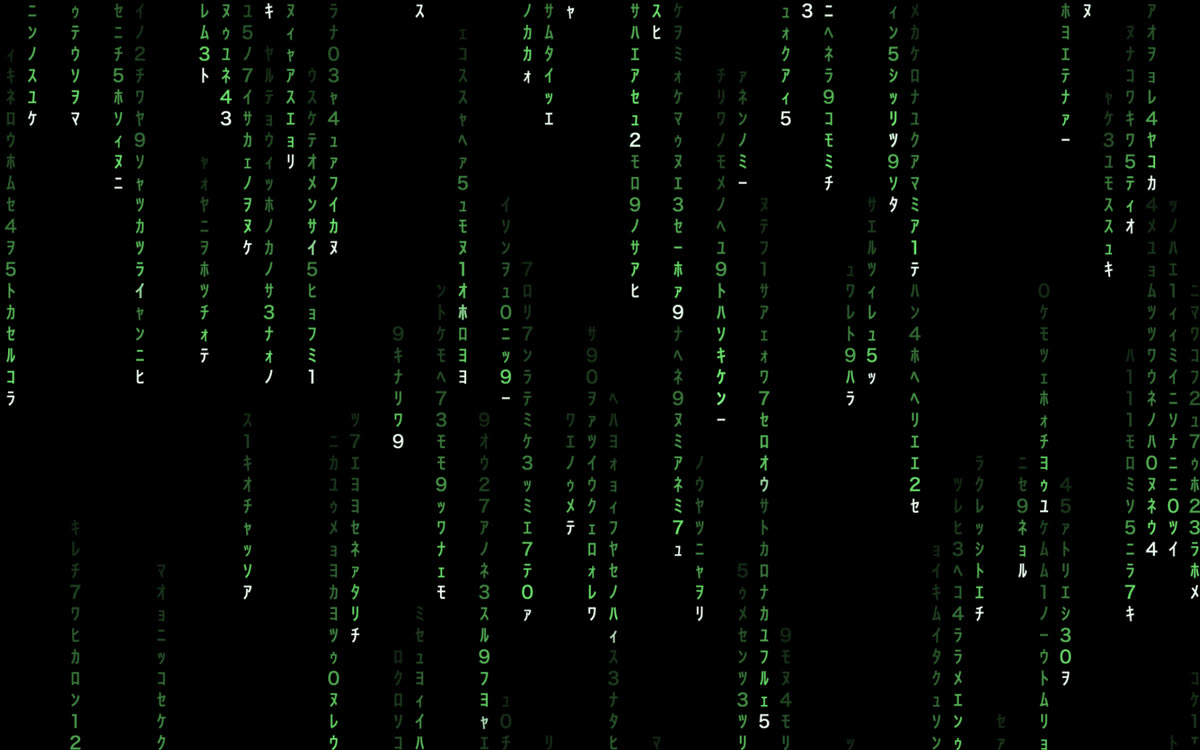
Columns of glowing characters raining down the screen, a bright head and a fading tail.
This is a browser preview. The Mac app runs it natively with Metal, plus CRT curvature, glow, your own pictures and more.
Falling green code has been a favourite screensaver since the late nineties, when a certain film made it the look of the future. Idle98's Digital Rain is our own version: characters stream down at different speeds, flicker as they fall and fade into the dark.
It's smooth at any size and light on power, so it's perfect for a second monitor that's always on.
What you get
- Classic green, amber, blue, white or rainbow
- Adjustable speed and density
- Small or large characters
- Retro pixel mode
Set the mood
Slow and sparse feels calm and ambient. Fast and heavy feels like a hacker film. Amber gives it an old terminal look, and rainbow is just fun.
How to install it on your Mac
Download Idle98, open it and click Install. The screensaver goes into your own Library, so you don't need an admin password and nothing touches your system files.
macOS asks you to choose your screen saver yourself, so Idle98 opens the right page for you: System Settings, Wallpaper, then Screen Saver. Pick Idle98 and set how long your Mac should wait. Everything else, like which screensaver plays and how it looks, you choose in the Idle98 app.
Is this the Matrix screensaver?
It's an original screensaver inspired by the falling-code look made famous by The Matrix. It isn't connected to the film or its owners.
Does it work on multiple monitors?
Yes. Each screen gets its own rain.
Which Macs does it support?
Works on macOS 14 Sonoma and later, on Apple Silicon and Intel Macs, with Retina and external displays.
Digital Rain comes with all 9 Idle98 screensavers: 3D Pipes, Starfield, Polygons, Bouncing Logo, 3D Maze, 3D Text, Digital Rain, Defrag, Flying Windows. One payment of $9.99, yours forever.
Also try: 3D Pipes · Starfield · Polygons · Bouncing Logo · 3D Maze · 3D Text · Defrag · Flying Windows