The 3D Pipes screensaver, on your Mac
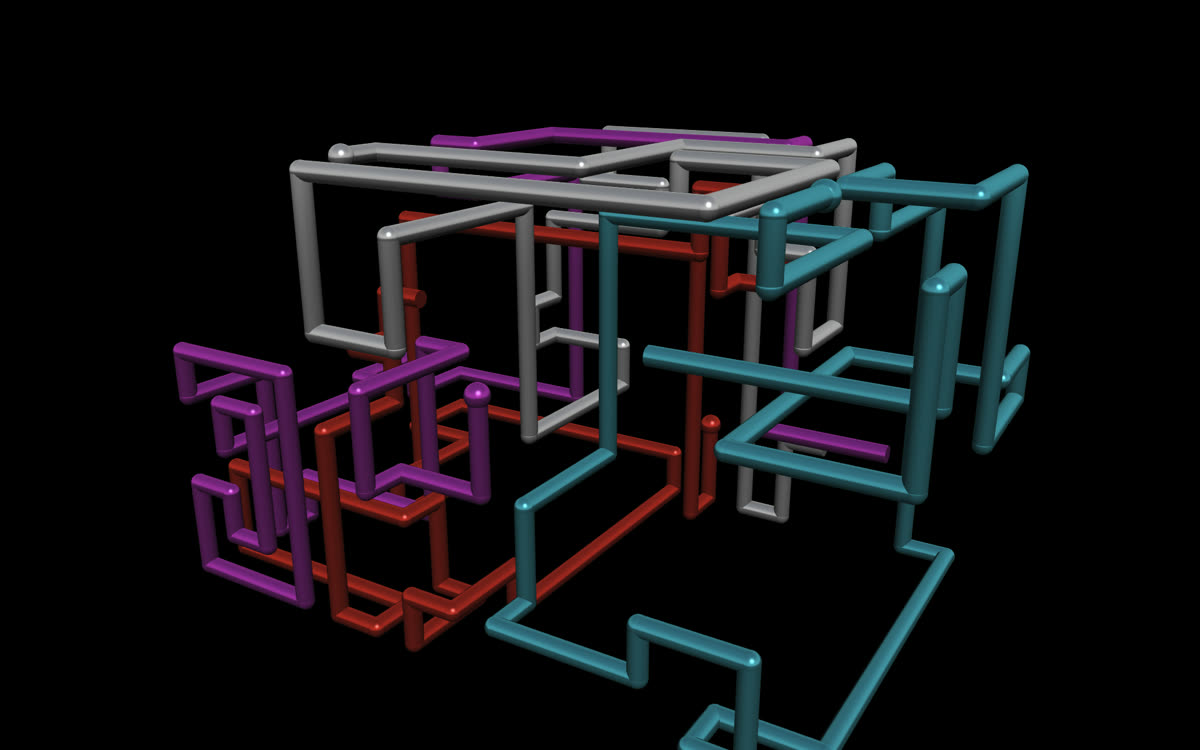
Pipes grow, twist and turn until the screen is full. Then they do it all again.
This is a browser preview. The Mac app runs it natively with Metal, plus CRT curvature, glow, your own pictures and more.
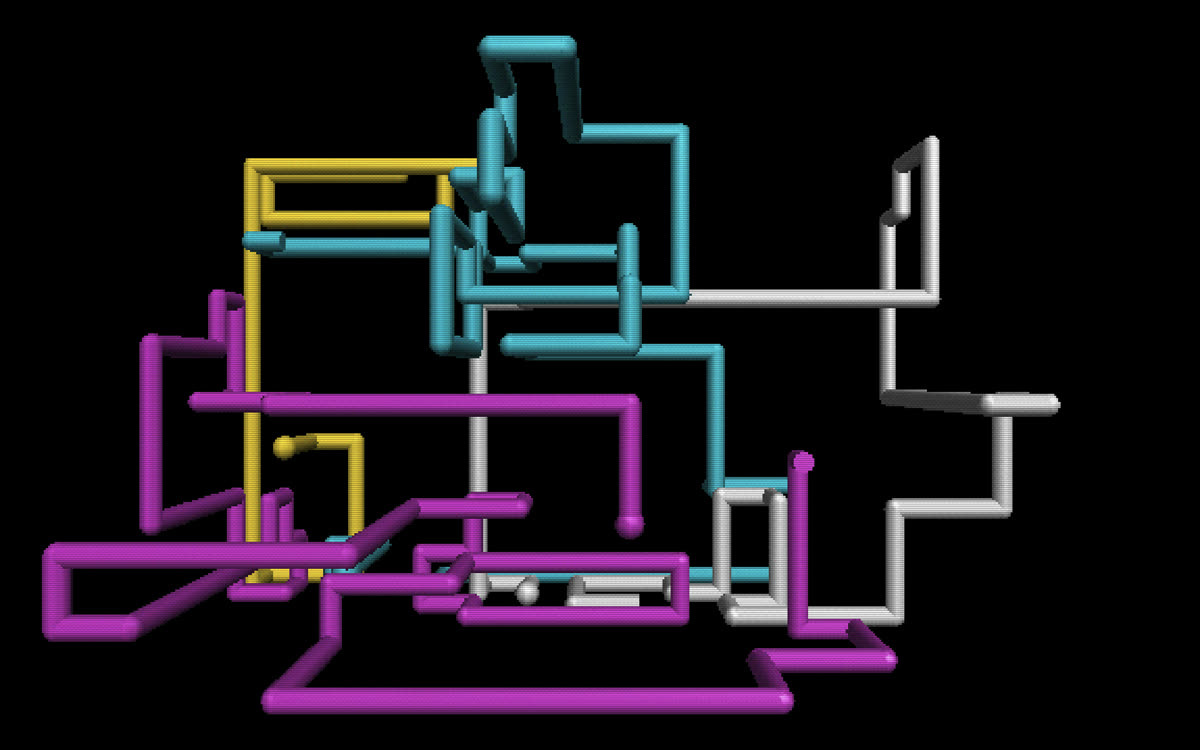
If you used a computer in the late nineties, you've watched this. Coloured pipes snake through three dimensions, bending at rounded joints, never crossing each other, until the screen is packed and everything starts over.
Idle98's 3D Pipes recreates that feeling from scratch for modern Macs. It's drawn with Metal at your display's full resolution, so the pipes are smooth and sharp on Retina screens, and it barely touches your battery.
What you get
- Several pipes growing at once, each in its own colour
- Smooth rounded joints and caps
- Solid, metallic or mirror-like chrome pipes
- Five colour palettes, from classic primaries to neon
- Front, angled, slow orbit or random camera
- Retro mode: chunky 1998 pixels and a 15-bit colour look
Make it yours
Change the pipe thickness, the growth speed and how many pipes grow at once. Pick a palette and a material, then choose where the camera looks from. Add CRT scanlines, a curved screen and phosphor glow if you want the full tube-monitor effect, or keep it crisp and modern.
You can even put your own picture behind the pipes, dimmed so they still stand out.
How to install it on your Mac
Download Idle98, open it and click Install. The screensaver goes into your own Library, so you don't need an admin password and nothing touches your system files.
macOS asks you to choose your screen saver yourself, so Idle98 opens the right page for you: System Settings, Wallpaper, then Screen Saver. Pick Idle98 and set how long your Mac should wait. Everything else, like which screensaver plays and how it looks, you choose in the Idle98 app.
Is this the original Windows 3D Pipes screensaver?
No. Idle98 is an original recreation, written from scratch for macOS. It doesn't use any code, textures or files from Windows, and it isn't affiliated with Microsoft.
Will it slow my Mac down?
It only runs while your screen saver is showing, renders with Metal, and stops completely when you come back. You can also cap it at 30 frames per second or turn on low-power mode.
Does it work on Apple Silicon?
Works on macOS 14 Sonoma and later, on Apple Silicon and Intel Macs, with Retina and external displays.
3D Pipes comes with all 9 Idle98 screensavers: 3D Pipes, Starfield, Polygons, Bouncing Logo, 3D Maze, 3D Text, Digital Rain, Defrag, Flying Windows. One payment of $9.99, yours forever.
Also try: Starfield · Polygons · Bouncing Logo · 3D Maze · 3D Text · Digital Rain · Defrag · Flying Windows