The 3D Maze screensaver, rebuilt for Mac
An endless first-person walk through randomly built mazes. Find the exit, then do it again.
This is a browser preview. The Mac app runs it natively with Metal, plus CRT curvature, glow, your own pictures and more.
Few screensavers felt as much like a game as the 3D maze. You glide through corridors, turn corners, hit dead ends, and eventually find the way out, all without touching a key.
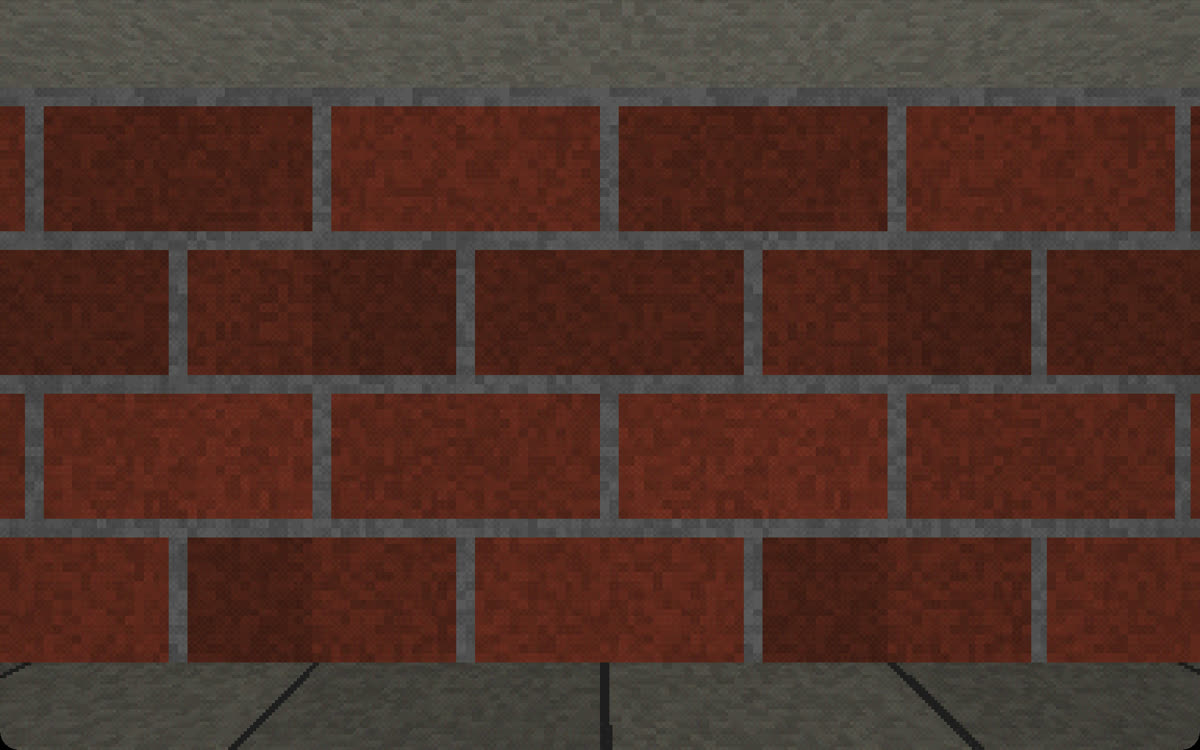
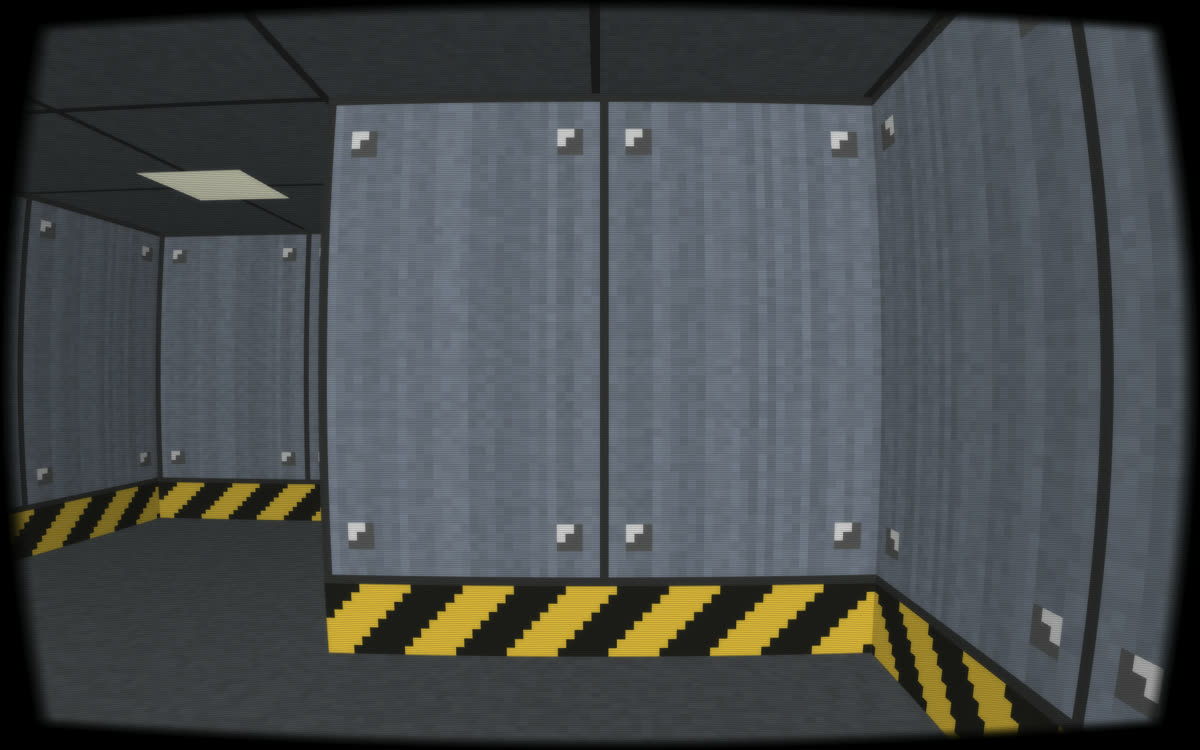
Idle98's 3D Maze generates a new maze every time and walks it by keeping a hand on the right-hand wall, just like you would. Every texture is drawn pixel by pixel in code, in brick, stone or industrial steel.
What you get
- A new random maze every run
- Brick, stone and industrial environments, or mixed
- Smooth movement or classic stepped turns
- Retro 240-line pixels by default, or smooth modern rendering
- Use your own pictures for the walls, floor and ceiling
- Hide your own easter eggs in the maze
Easter eggs, your way
Part of the fun of the old maze was spotting something odd round a corner. In Idle98 you can hide up to eight of your own pictures in the maze. Some float and spin, others wander the corridors. They're rare by default, so they stay a surprise. Walk into one and the whole world turns upside down.
How to install it on your Mac
Download Idle98, open it and click Install. The screensaver goes into your own Library, so you don't need an admin password and nothing touches your system files.
macOS asks you to choose your screen saver yourself, so Idle98 opens the right page for you: System Settings, Wallpaper, then Screen Saver. Pick Idle98 and set how long your Mac should wait. Everything else, like which screensaver plays and how it looks, you choose in the Idle98 app.
Is this the Windows 3D Maze screensaver?
No. It's an original recreation inspired by the 3D maze screensavers of the 1990s. The mazes, textures and code are all our own, and Idle98 isn't affiliated with Microsoft.
Does the maze ever repeat?
Every maze is generated fresh, so you'll practically never see the same one twice.
Which Macs does it support?
Works on macOS 14 Sonoma and later, on Apple Silicon and Intel Macs, with Retina and external displays.
3D Maze comes with all 9 Idle98 screensavers: 3D Pipes, Starfield, Polygons, Bouncing Logo, 3D Maze, 3D Text, Digital Rain, Defrag, Flying Windows. One payment of $9.99, yours forever.
Also try: 3D Pipes · Starfield · Polygons · Bouncing Logo · 3D Text · Digital Rain · Defrag · Flying Windows